In hospitals, display systems must deliver ultra-HD quality, stable 24/7 operation, and strict safety compliance. COB fine-pitch displays (P0.7-P1.8) with 3840Hz refresh and IP55 rating meet these demands. However, selecting the right pixel pitch based on viewing distance remains a key challenge for AV integrators. This article provides a systematic troubleshooting approach to guide selection and prevent performance shortfalls.
Common Fault Symptoms
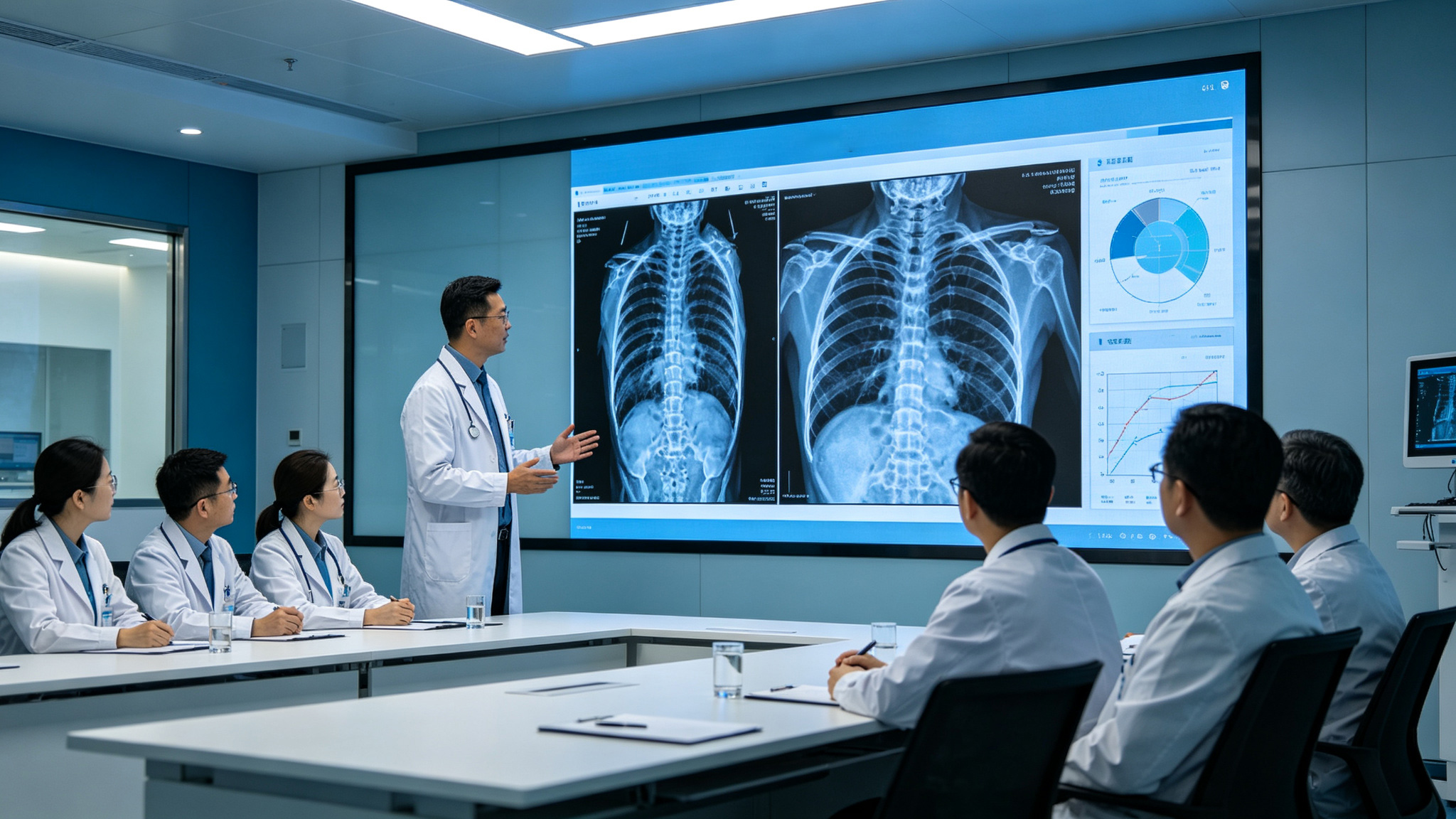
In actual hospital COB fine-pitch display deployments, integrators and end users often report three typical issues. First, at close viewing distances, images appear grainy and text edges look blurred, especially in surgical teaching or pathology image review scenarios where doctors cannot clearly discern fine blood vessels or cellular structures. For instance, before upgrading its surgical teaching system, Peking Union Medical College Hospital experienced loss of detail in microsurgical images due to insufficient resolution, compromising teaching effectiveness. Second, at long viewing distances, insufficient brightness or color distortion makes it hard for people in the back
Corresponding Causes
The root causes of the above faults can be summarized into three points. First, pixel pitch selection is either too large or too small. If the viewing distance is short but a pitch above P1.8 is chosen, pixel graininess becomes directly visible—for P1.8, pixels are discernible to the naked eye within 1.8 meters, and text edges appear jagged. Conversely, if the viewing distance is long but an ultra-fine pitch like P0.7 is chosen, it wastes cost and may fail to meet brightness requirements, because at long distances the human eye cannot resolve the detail advantage, and insufficient brightness degrades the viewing experience. Second, the special environmental factors of hospital settings are overlooked. Areas such as operating rooms and ICUs demand dustproof, waterproof, and quiet operation; ordinary displays
Step-by-Step Troubleshooting
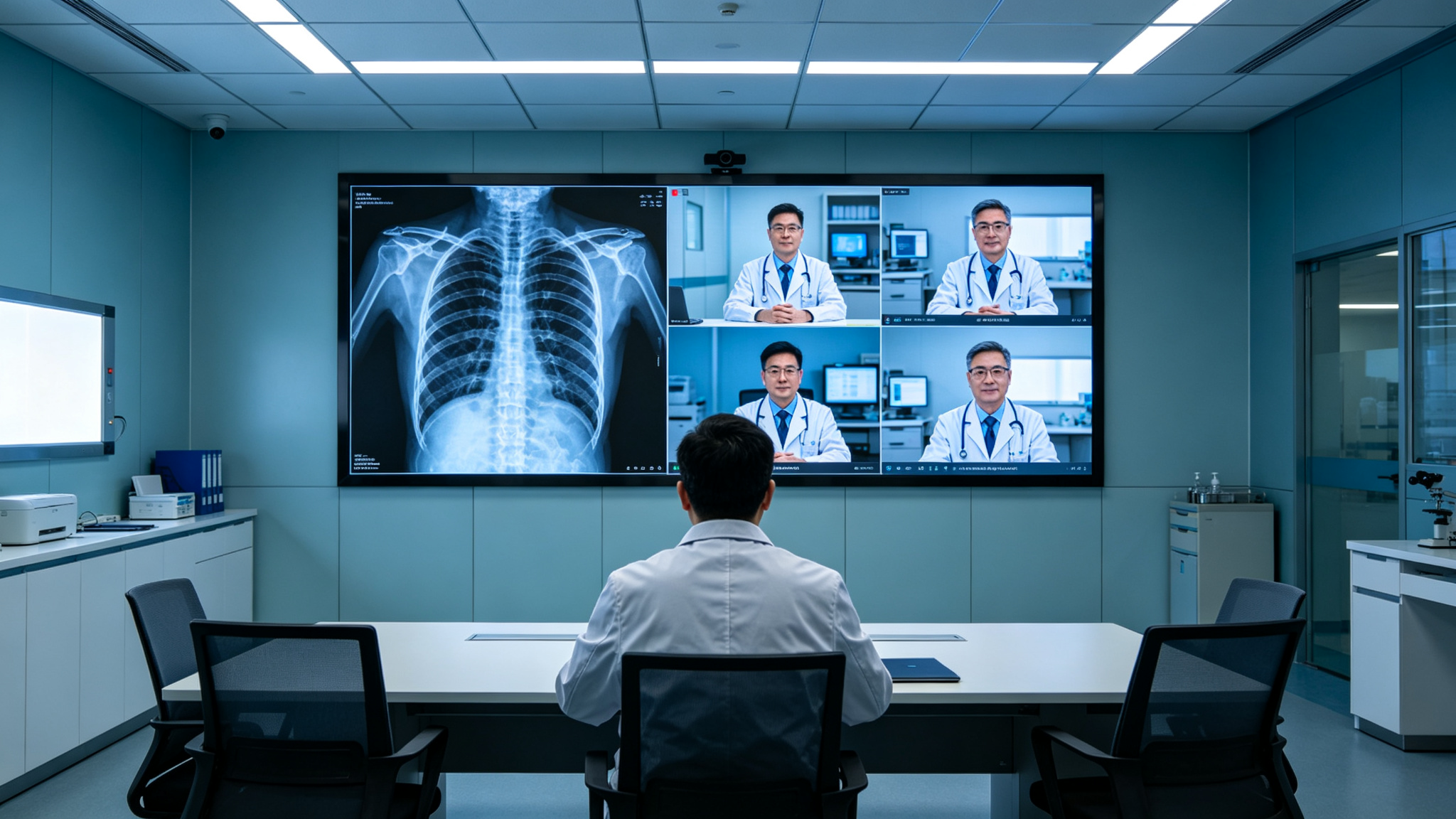
Step one: measure the actual viewing distance. Use the horizontal distance from the farthest seat in the room to the screen as the baseline. Generally, the minimum viewing distance should be no less than 1000 times the pixel pitch (e.g., P1.2 corresponds to 1.2 meters), and the optimal viewing distance is 1.5 to 2.5 times the minimum. For example, in a tertiary hospital's remote consultation center, the farthest seat is about 4 meters from the screen. If P1.2 is chosen, the minimum viewing distance is 1.2 meters and the optimal range is 1.8 to 3 meters, so 4 meters falls within a comfortable range. If P1.8 is chosen, the optimal viewing distance upper limit is 4.5 meters, which barely meets the requirement but leaves little margin. Step two: assess ambient light intensity. Use a lux meter to measure light in front of and to the side of the
Solutions
Based on troubleshooting results, the following measures can be taken. If pixel pitch and distance are mismatched, recalculate and select the appropriate specification. For example, surgical teaching rooms typically have viewing distances of 2 to 3 meters, where P0.9 or P1.2 is recommended—P0.9 delivers a grain-free image with micron-level detail reproduction. For hospital lobbies or waiting areas with viewing distances exceeding 5 meters, P1.5 or P1.8 is sufficient, avoiding over-investment. If ambient light is too strong, choose models with adaptive brightness functionality, which automatically adjusts brightness
Q1: What is the optimal viewing distance for hospital COB fine-pitch displays?
A: The viewing distance depends on pixel pitch. For P1.2, the minimum viewing distance is about 1.2 meters, with an optimal range of 1.8 to 3 meters; P0.9 provides fine image quality within 0.9 to 2 meters; P1.5 has an optimal range of 2.25 to 3.75 meters; P1.8 ranges from 2.7 to 4.5 meters. For close-range scenarios like surgical teaching or pathology review, P0.9 or P1.2 is recommended; for long-distance viewing such as command centers, P1.5 or P1.8 is suitable. The specific choice should factor in installation height and room layout; use the viewing distance formula (minimum distance = pixel pitch × 1000, optimal distance = pixel pitch × 1500~2500) for calculation. Also consider the human eye field of view: the screen center should be positioned 15 to 30 degrees below the horizontal line of sight to avoid looking up or down.
Q2: Which COB fine-pitch display is suitable for hospital operating rooms?
A: Operating room viewing distances are typically 2 to 3 meters and require high-precision medical imaging, so P0.9 or P1.2 is recommended. P0.9 delivers a grain-free image with micron-level detail reproduction—for example, Stonbel customized a P0.7 display for a military electronics research institute's confidential simulation laboratory, achieving ultra-close grain-free display with precise micron-level detail, and the same principle applies to operating rooms. The display must also have IP55 protection to prevent liquid or dust ingress during procedures—IP55 means dust protection level 5 (dust-tight) and water protection level 5 (protected against water jets), effectively addressing operating room environmental risks. The refresh rate should reach 3840Hz to avoid flicker or scan lines when recording under shadowless lights, ensuring clear and smooth remote teaching images.
Q3: Why is the refresh rate important for hospital COB fine-pitch displays?
A: The refresh rate determines image smoothness and flicker-free camera recording performance. In hospital settings, surgical teaching often requires HD camera recording; if the refresh rate is below 3840Hz, recorded images will show black bands or flicker—this is especially pronounced under strong shadowless lights, directly impacting teaching and remote consultation quality. A high refresh rate also reduces eye fatigue, particularly for long-duration viewing in command centers—studies show that when the refresh rate is below 1000Hz, the human eye can perceive flicker, and prolonged viewing may cause headaches and
Q4: How to determine if a hospital COB fine-pitch display is dustproof and waterproof?
A: Check the product's protection rating. IP55 means dust protection level 5 (dust-tight) and water protection level 5 (protected against water jets). Dust protection level 5 means complete protection against dust ingress, ensuring normal operation; water protection level 5 means it can withstand low-pressure water jets, suitable for areas with liquid splash risk such as hospital corridors and operating rooms. Hospital environments should prioritize products with IP55 or higher, and also check for impact-resistant structures—Stonbel COB fine-pitch displays use reinforced packaging technology to reduce the risk of LED
Selecting a hospital COB display requires balancing viewing distance, pixel pitch, environmental protection, and operational stability. Use the fault-tree method and measurement data to choose the right pitch—P0.9 for surgical teaching, P1.2 for command centers, P1.8 for waiting areas. Stonbel, a top-10 Chinese LED manufacturer with 3C, CE, FCC, ISO14001, ISO9001, ROHS, military, and classified certifications, offers proven solutions deployed at Peking Union Medical College Hospital and Guangdong Emergency Management Department. With full-range P0.7-P1.8 COB displays, 3840Hz refresh, IP55 protection, direct factory supply, and lifetime after-sales support across 31 provinces, Stonbel ensures reliable operation for 10+ years.